Private Photo Journal & Diary for Android
A calm, quiet space where your photos and your feelings live together on one unbroken timeline. No account. No ads. No audience. Backup goes to your own Google Drive or Dropbox — and nowhere else. Ever.
Free to start · 60-day Pro trial included · Android 7.0+
In the app
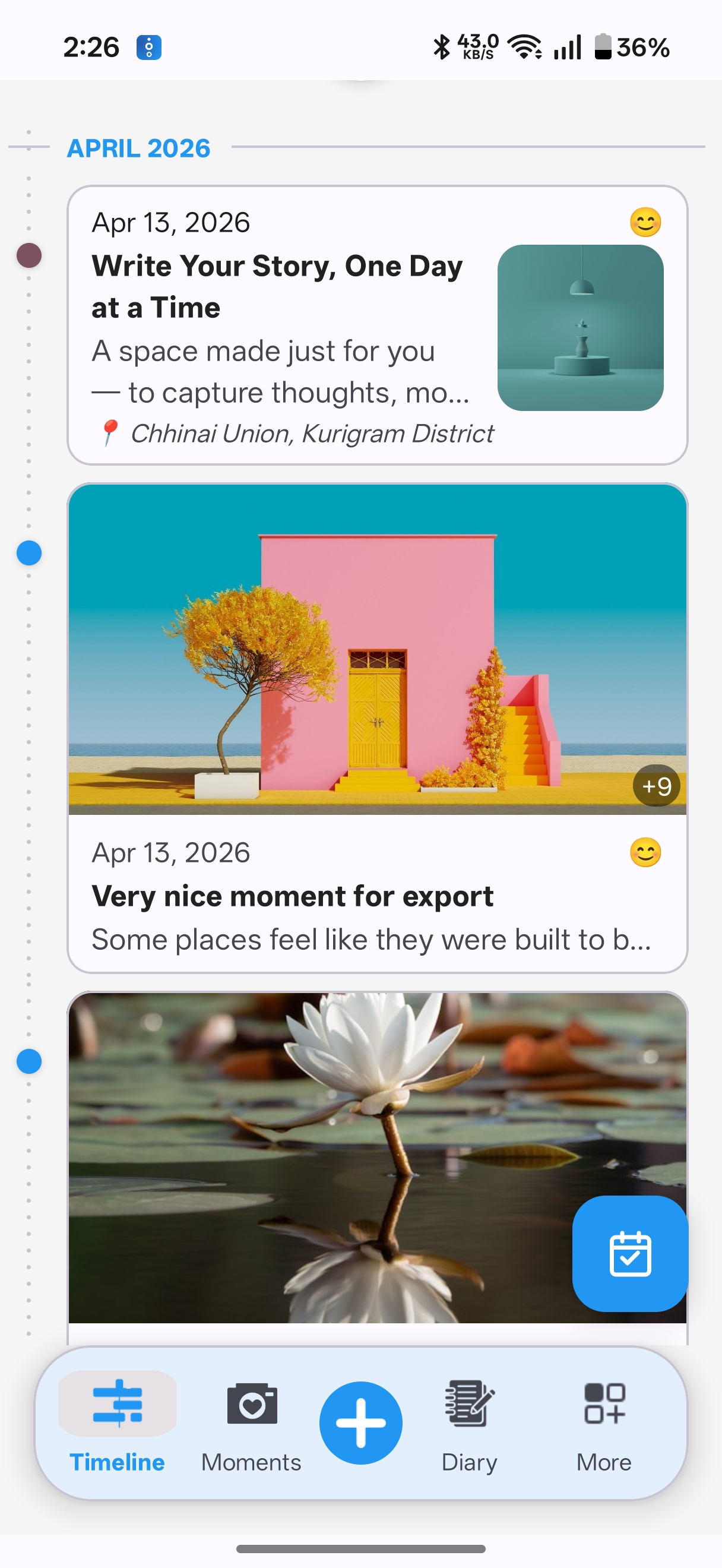
Your timeline
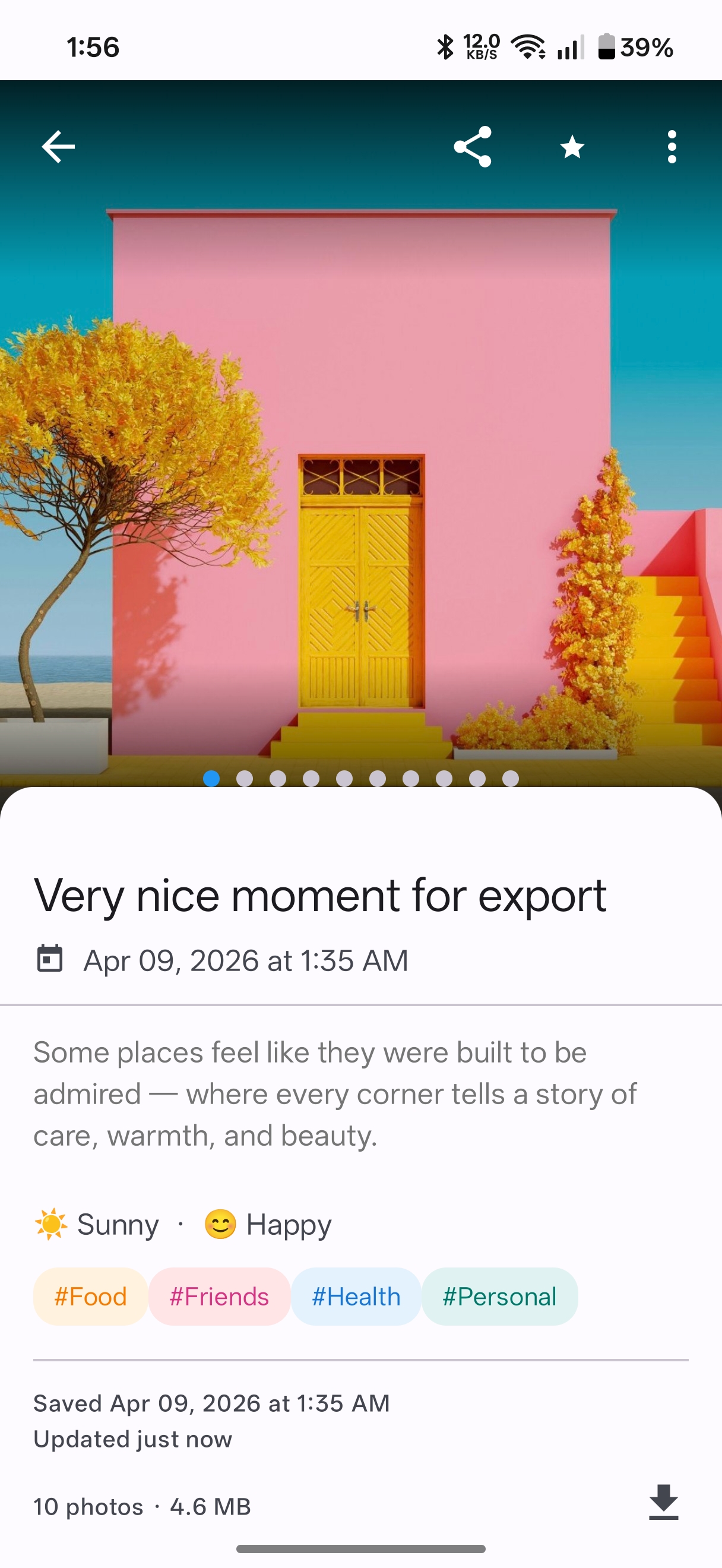 A moment, captured
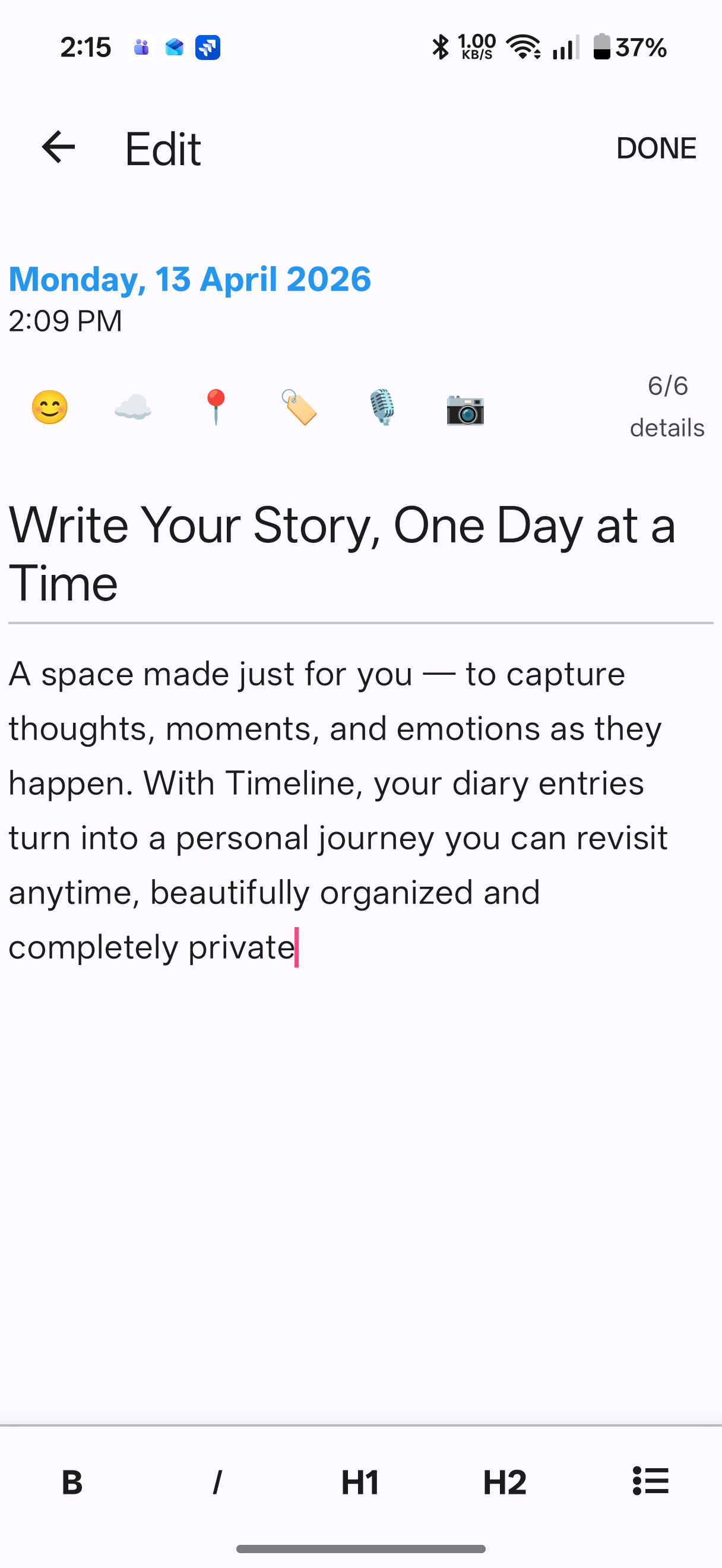 Write privately
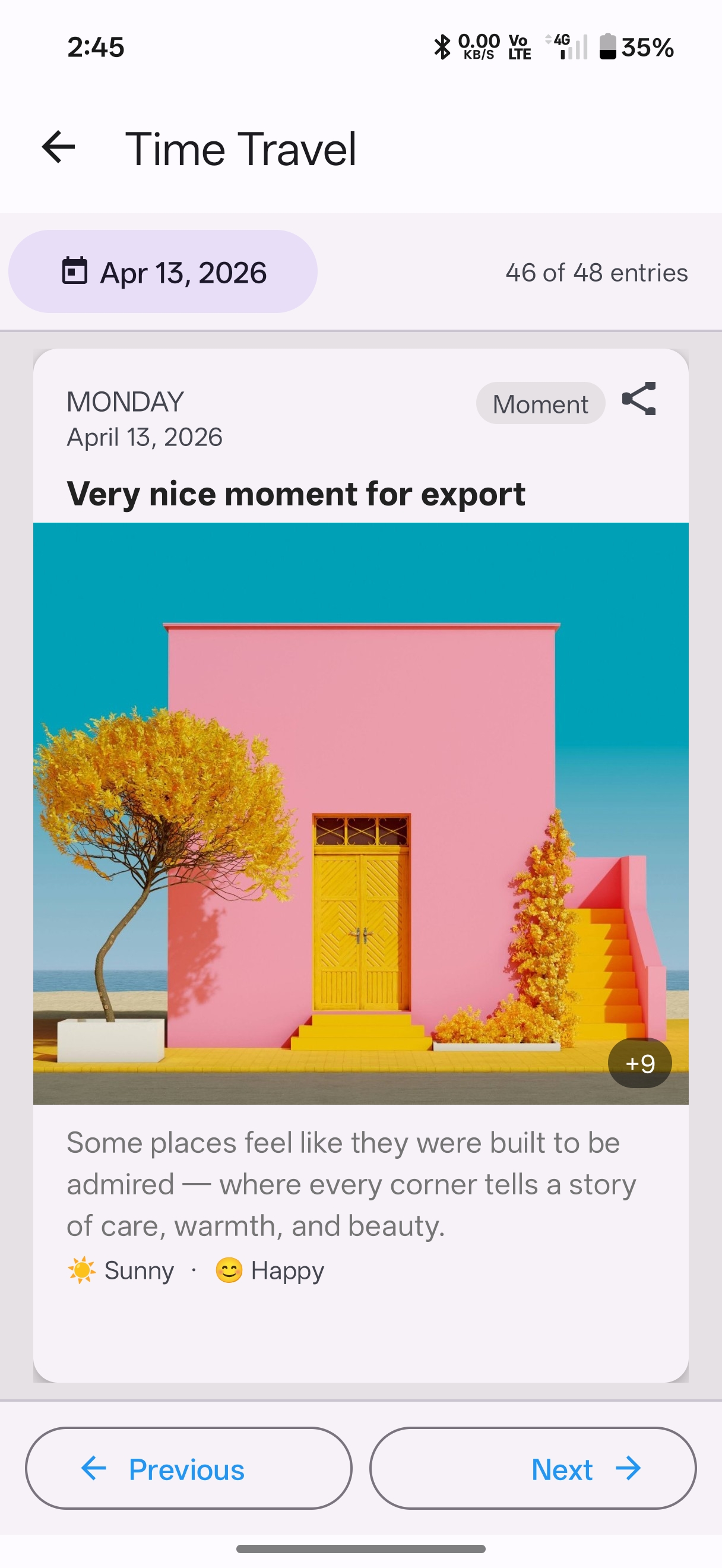 Time Travel
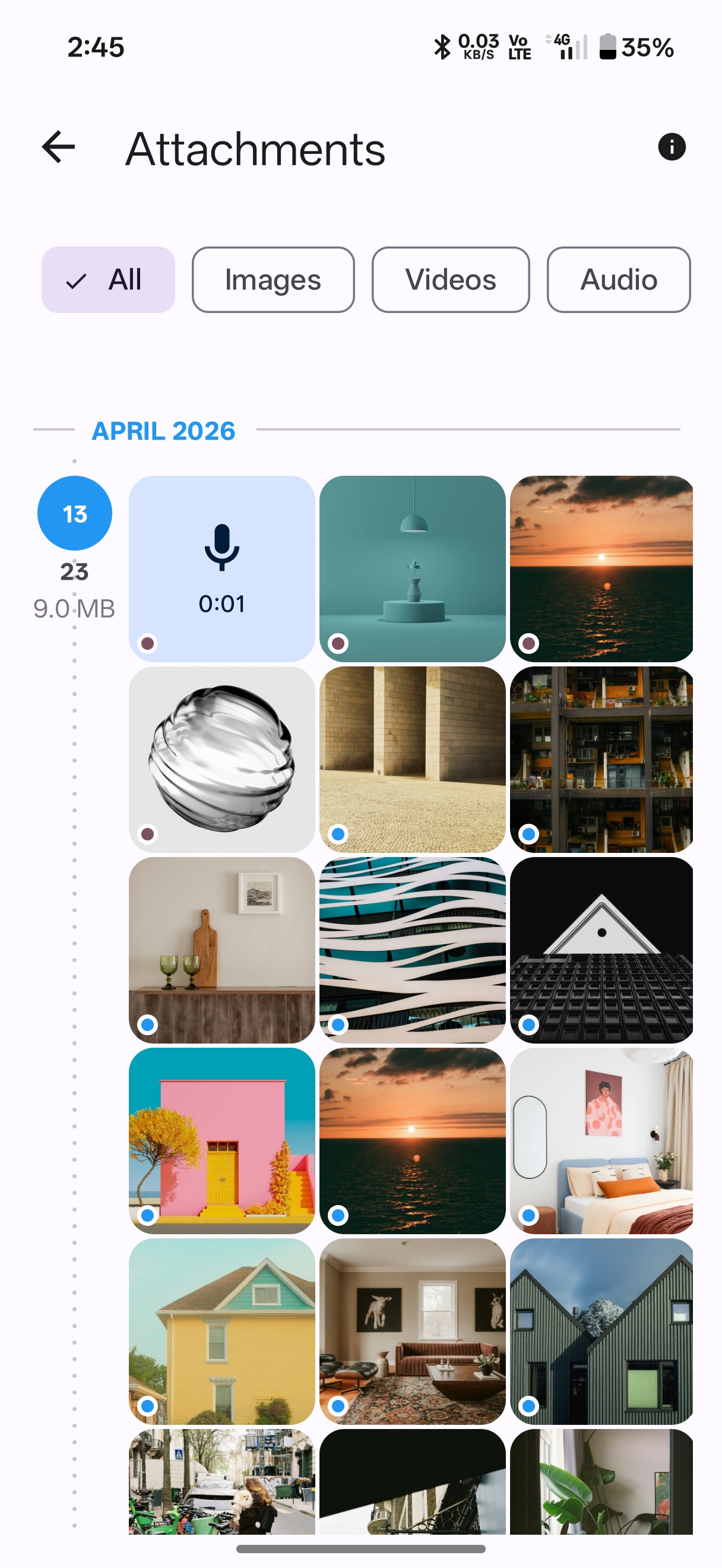 All your media
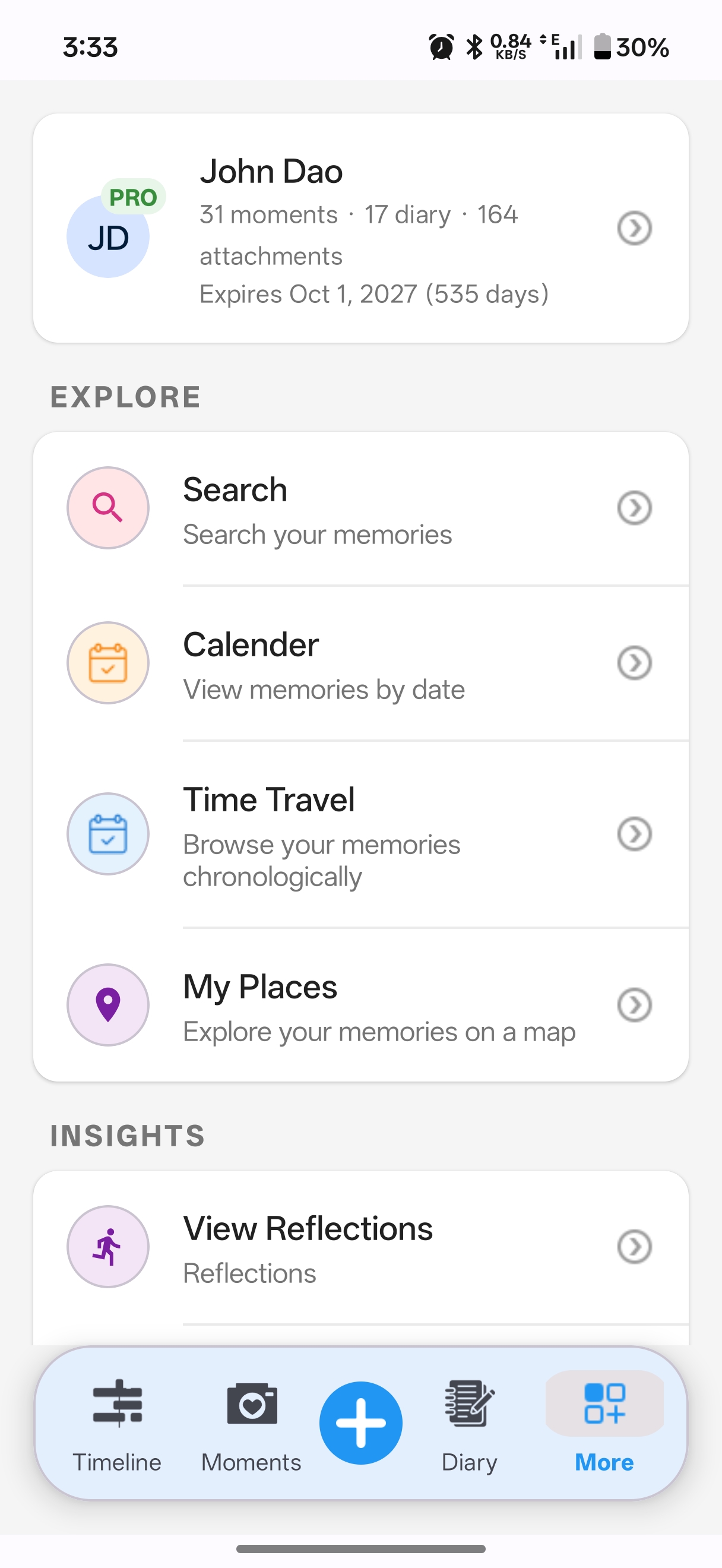 Search, map, reflect
 Private by default
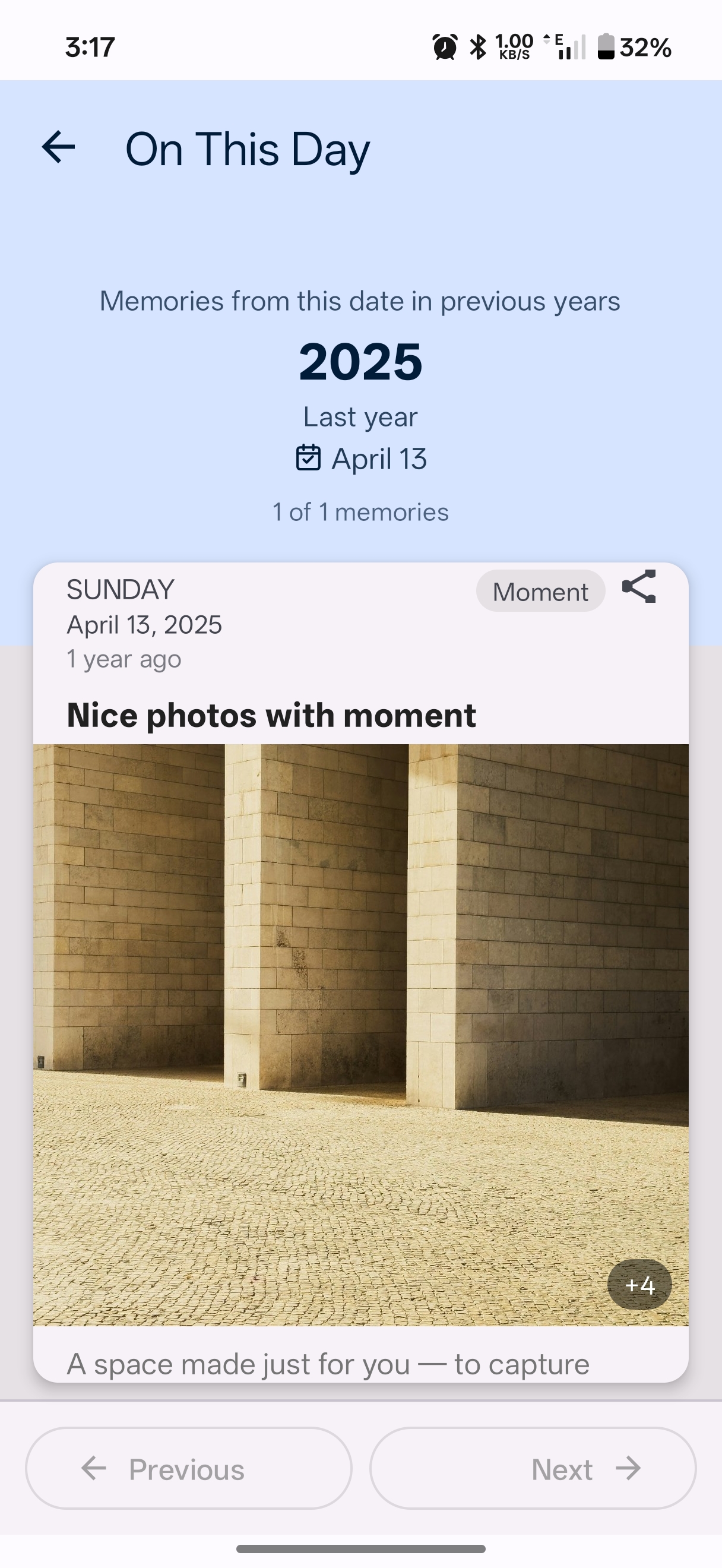 On This Day
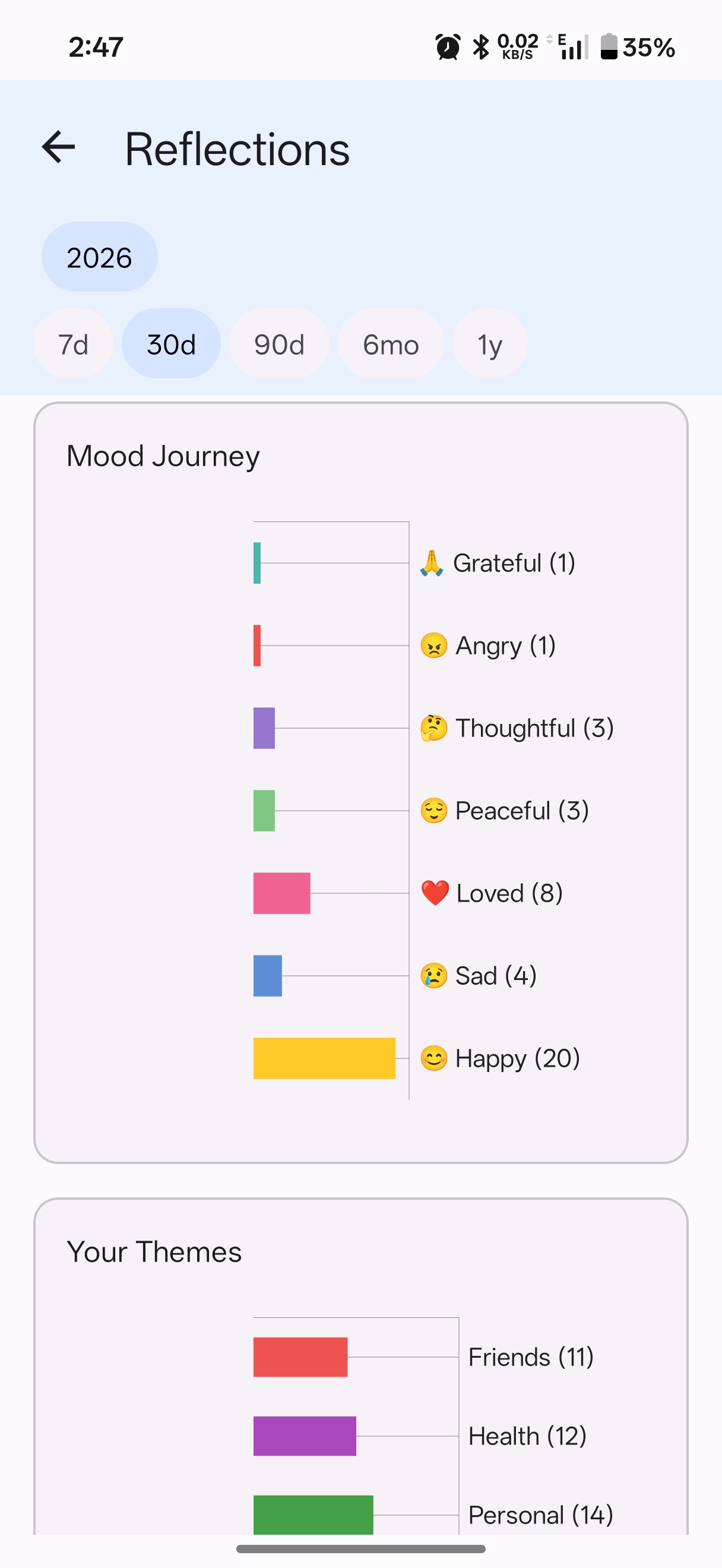 Reflections
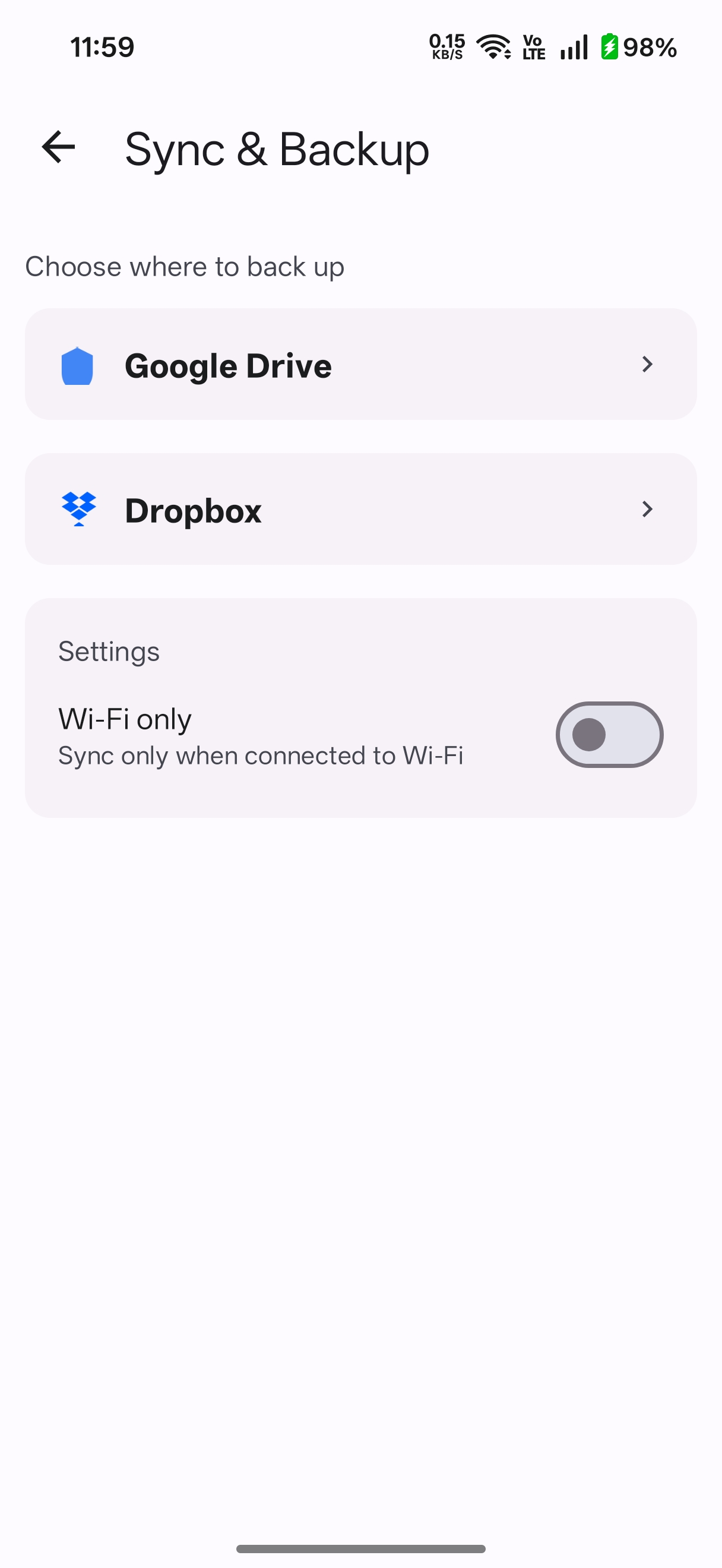 Back up your way
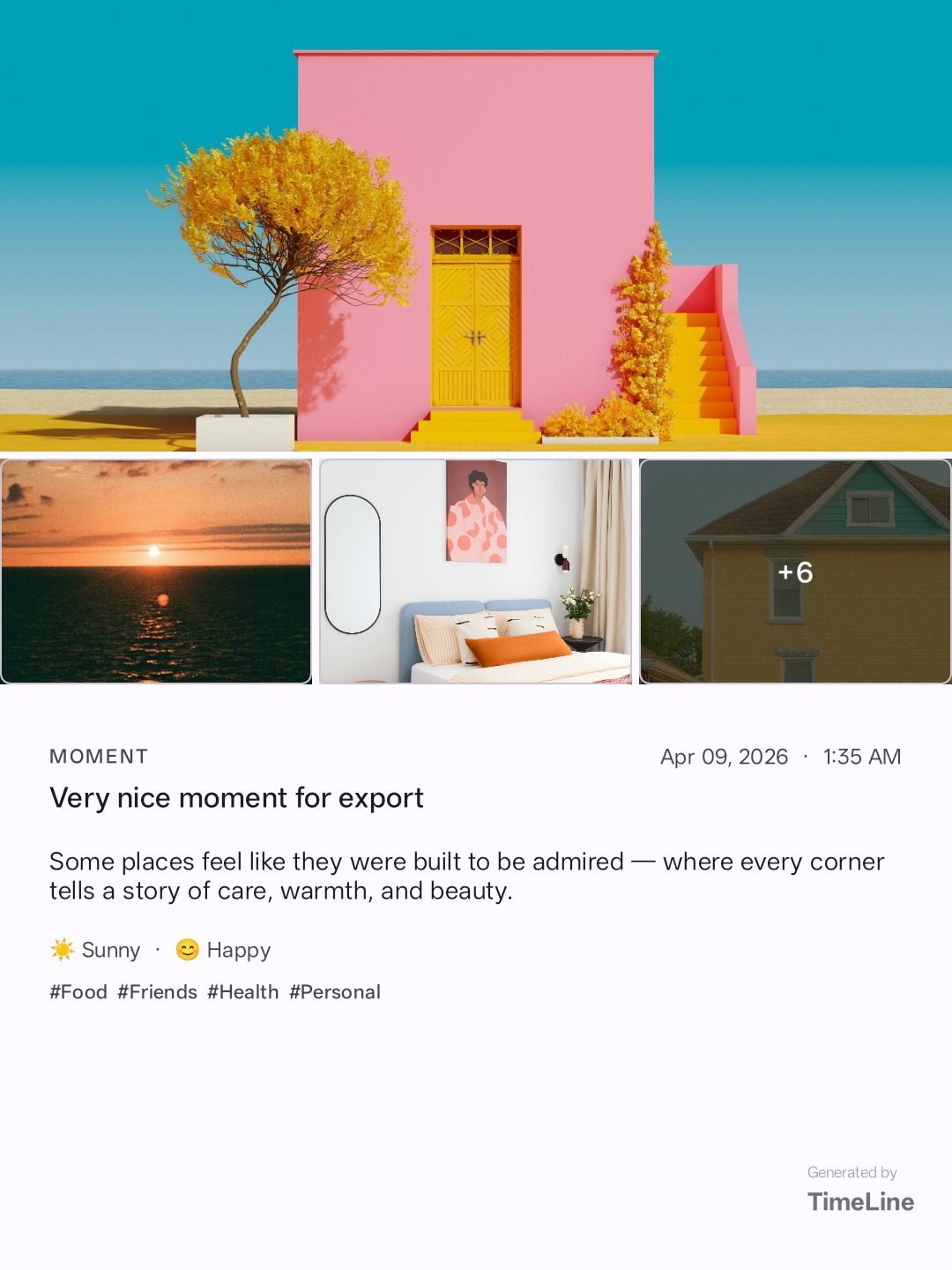 Export & share
Two sides of every memory
Every memory has two sides — what happened, and what it meant. Most apps capture one. TimeLine captures both, woven together on a single unbroken line.
Photo, place, mood, weather. I was here.
Thought, reflection, feeling. This is what it meant.
Calm by design
Most apps are designed to keep you anxious — feeds that never end, likes to chase, notifications that interrupt. TimeLine is designed to do the opposite.
The UI steps back and lets your memories speak. Section headers orient you in time. The continuous vertical line connects every entry into one unbroken story of your life.
Pro feature
On any given day, TimeLine quietly surfaces what you recorded on that same date in past years. Not a push notification. Not a pop-up. Just a gentle reminder that your life has been accumulating — and that it is worth revisiting.
On This Month broadens the view — a full month of memories from years past, resurfaced without any noise.
Private by architecture
TimeLine cannot leak your data because it never receives it. Every entry, every photo, every thought lives in a database on your device — not ours.
Backup is optional and goes to a Google Drive account you already own and control. No proprietary cloud. No vendor lock-in. No corporate servers holding your most personal memories.
Backup & Sync
When you choose to back up, your memories go to a Google Drive or Dropbox account you already own and control. We never see it, never touch it, never have access to it. If you delete TimeLine tomorrow, your backup stays exactly where you put it.
Sync is delta-only — only changed items are transferred each time, keeping backups fast and data-efficient. Wi-Fi only mode available.
Free for all users — including the free tier.
Available on Pro. Same privacy guarantee.
Free features have no time limit and no entry limit. Pro unlocks the deeper features when you're ready.
Every install includes a 60-day Pro trial. No credit card required.
Start Your Free TrialNo countdown timers. No limited-time offers. No dark patterns. Just straightforward options when you are ready.
For light users and those just starting out. Core features, no time limit.
~44% less than monthly. The choice for committed journalers.
Low commitment. Full Pro access. Cancel whenever.
Pay once. Own it forever. For those who distrust subscriptions.
About TimeLine
No other app unifies visual Moments and written Diary on one timeline. Photos without feelings are a catalog. Journal entries without memory anchors float untethered. TimeLine puts both together — the way the mind actually remembers.
No. There is no sharing, no likes, no followers, no feed. Everything you record is for you alone.
On any given day, TimeLine quietly surfaces what you recorded on the same date in past years. It is not a notification. It is a gentle prompt to look back and feel how life has been accumulating.
Privacy & Data
Everything stays on your device. TimeLine is local-first — your memories live in a database on your phone, not on any server we control.
No account is required. You can optionally connect Google Drive or Dropbox for backup, but that is your cloud storage — we never have access to it.
No. We do not have servers that store your journal entries, photos, or any personal content. What you write and photograph stays on your device and, if you choose, in your own cloud storage.
No. Your entries are stored locally on your device. We have no access to them — not technically possible, and not something we would want.
Backup & Sync
Yes. Google Drive and Dropbox backup are free for all users — including the free tier. Backup is not a Pro-only feature. Your memories should never be held hostage.
TimeLine supports Google Drive and Dropbox. Both are optional. You choose one during onboarding and can configure it at any time in Sync settings. Only changed items are transferred each time (delta sync), keeping backups fast and data-efficient.
Yes. Install TimeLine on any Android device, connect the same Google Drive or Dropbox account, and choose Restore in the Sync screen. Your full timeline — entries, photos, audio, and tags — will be available on that device.
Install TimeLine on your new phone, connect the same Google Drive or Dropbox account you used on your old phone, and choose Restore in the Sync screen. Your full timeline — entries, photos, audio, and tags — will be restored from your backup.
Free Plan & Pricing
All core features — Moments, Diary, timeline, search, tags, mood tracking, cloud backup, and app protection — are available on the free plan during your trial. There is no feature locked behind Pro during the trial period.
Restrictions only activate when both of the following are true at the same time: more than 60 days have passed since your first entry, and you have more than 50 total entries. If you use TimeLine occasionally, you may never reach this threshold.
Monthly at $2.99/month, Annual at $19.99/year (saves over 40% compared to monthly), or Lifetime at $59.99 as a one-time payment with all future updates included.
Getting Help
The fastest way is through the app — go to More → Contact Support. This opens your email app pre-filled with your device details, which helps us resolve issues faster. You can also email us directly at productiveappslimited@gmail.com any time.
First, restart the app and go to More → Subscription to check your expiry status. If Pro is still not showing, tap Restore Purchases. If that does not resolve it, email us at productiveappslimited@gmail.com with your Google Play order number and your Device Key (found in More → Contact Support). We will resolve it promptly.
Something else on your mind? Email us — we read every message.
Start today
Free to start · No account required · Android 7.0+